TRELLIS.2
Image to 3D · One reference image
About TRELLIS.2
TRELLIS.2 is Microsoft’s image-to-3D model. It reconstructs an object from a reference image and produces geometry with physically based materials. The embedded Space provides image input, generation settings, a 3D preview, and GLB extraction.
Use it for an initial asset based on an object image. A single view leaves the back and underside unseen, so those surfaces are estimated. Inspect both the mesh and its materials before bringing the result into Blender or another 3D application.
How to use TRELLIS.2
- Upload a clear image containing one complete object, or select a supplied example.
- Run generation and rotate the preview to examine the result from several angles.
- Select Extract GLB, then download the file. Use the GLB Viewer to inspect it locally.
What to know before you start
- Resolution and material settings affect GPU use and file size. Shared GPU queues and quotas can interrupt generation.
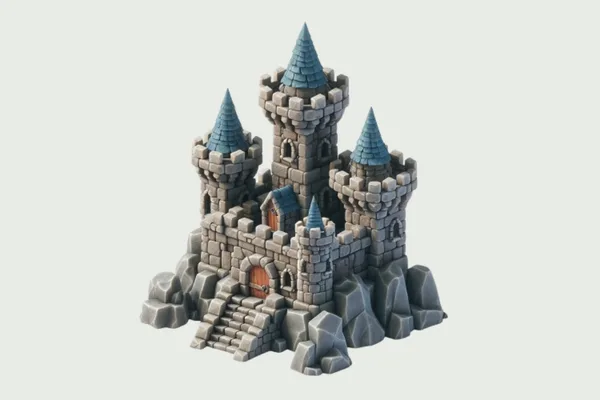
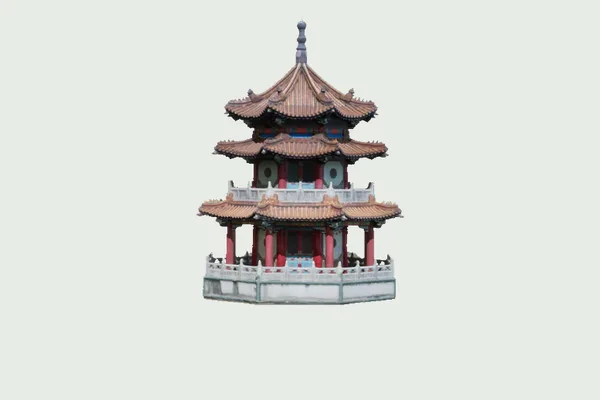
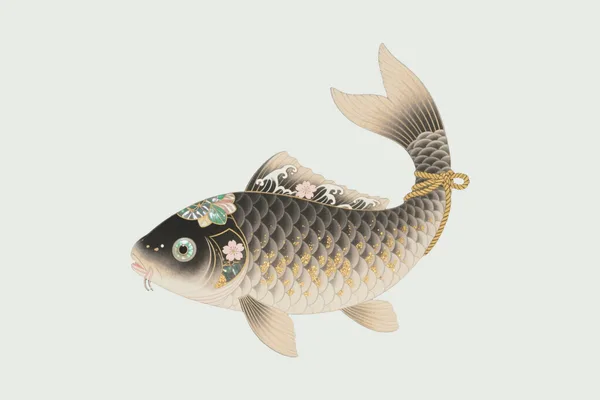
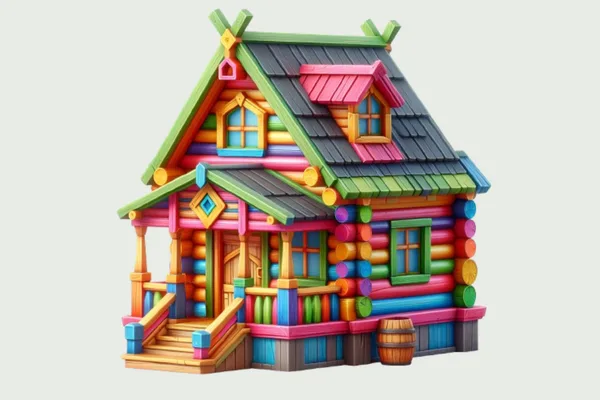
- The project examples are reference material, not proof that every uploaded image will produce the same quality.
The provider controls availability, sign-in, processing, and downloads. Save any result before reloading or closing the demo.
Does TRELLIS.2 generate a ready-to-print model?
It generates a 3D asset, but does not certify watertight geometry, wall thickness, scale, or printability. Check and prepare the mesh in your 3D software.