Pixal3D
Image to 3D · One reference image
About Pixal3D
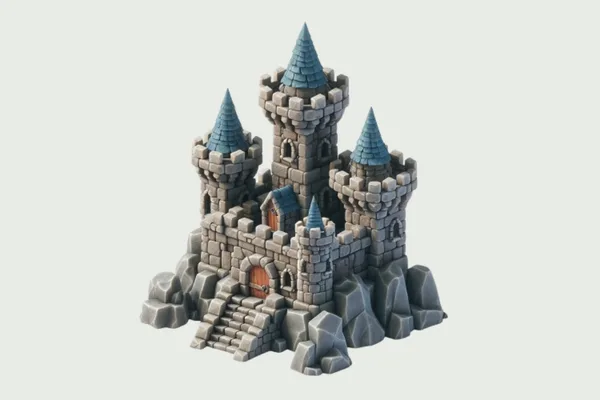
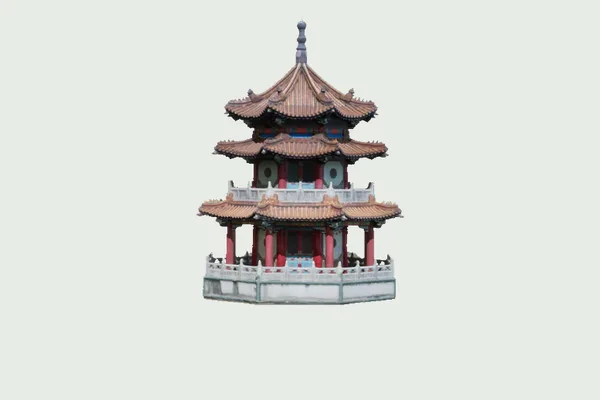
Pixal3D is TencentARC’s image-to-3D demonstration built around a pixel-aligned generation pipeline. Its interface provides reference upload, generation, preview, and GLB export in one workspace.
The preview offers different display modes, including clay, normals, and shaded materials. These views help separate surface shape from appearance: a convincing color texture can otherwise hide geometry problems. Inspect the object from the back as well as from its reference-image viewpoint.
How to use Pixal3D
- Upload a reference image with a clear subject.
- Run the generation workflow and examine the resulting asset in the preview.
- Use Download Asset to save the GLB, then inspect it in your target 3D application.
What to know before you start
- The image guides appearance and shape, but unseen surfaces still have to be inferred.
- Generation and export run in TencentARC’s Space, with the provider’s current resource limits.
The provider controls availability, sign-in, processing, and downloads. Save any result before reloading or closing the demo.
Which download format does this demo provide?
The inspected interface exports the generated asset as a GLB file.